Start for free & grow with one connected CRM
Sponsor A Purpose gives nonprofits a CRM for donor records, donation history, recurring gifts, custom fields, segmentation, tasks, automations, and reports. Start with the core system for free, then grow into the tools and support your team needs next.
A single source of truth
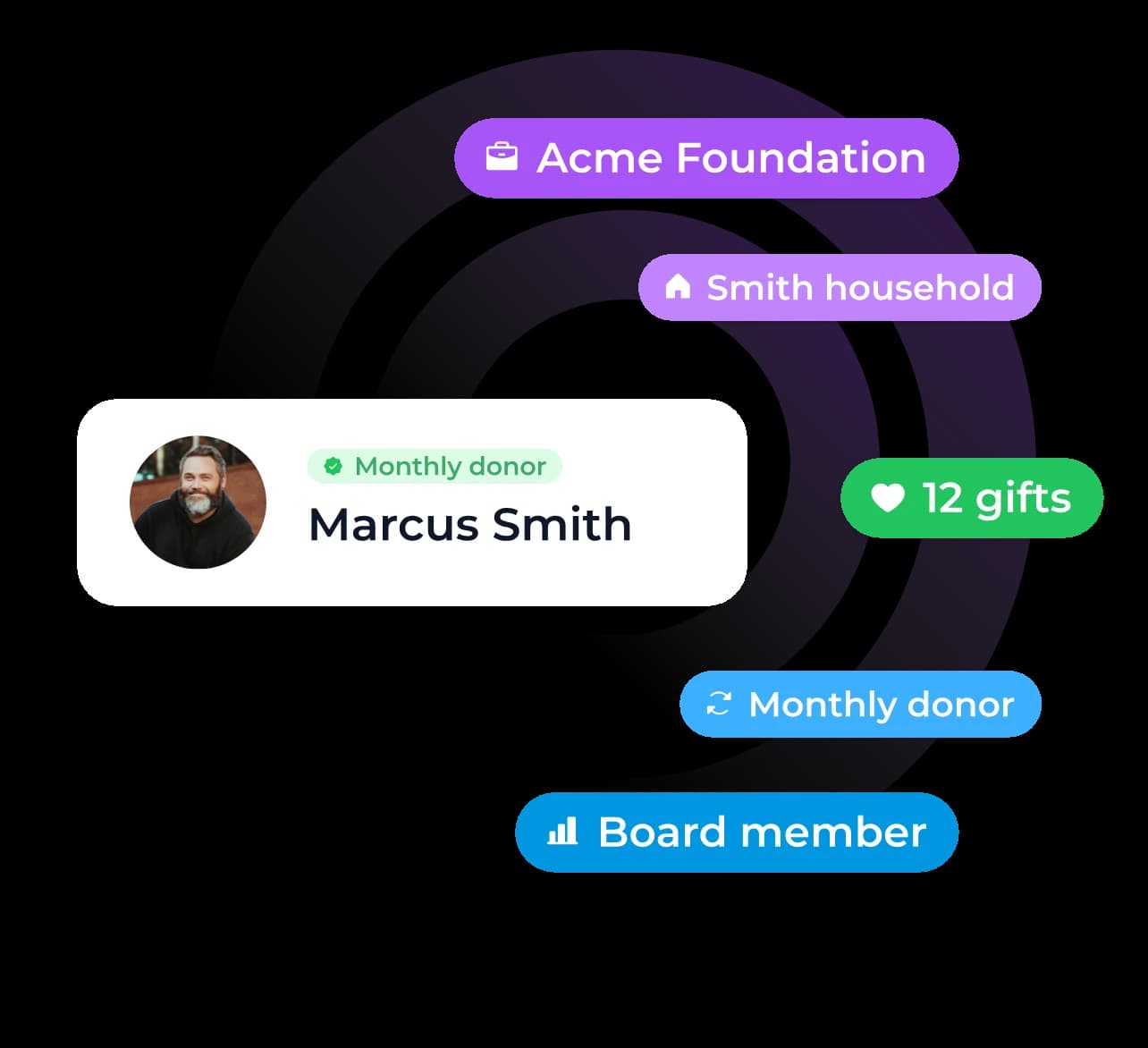
Manage donors, volunteers, sponsors, board members, households, partners, and event attendees from one central CRM.
Reduced manual follow-up
Connect records to gifts, forms, notes, tasks, reports, and automations so important next steps do not depend on memory.
A CRM that grows with you
Start with unlimited contacts, reporting, and donor management, then expand only when needed.
Turn CRM data into the next right move
The CRM is not just a place to store contact data. It helps teams find the right group, understand what happened, and decide what to do next.
Segments
Build lists from giving history, lifecycle status, tags, location, form responses, recurring status, and custom fields.
Reports
Use prebuilt reports for common nonprofit questions, then save custom reports for your team's specific views.
Imports & cleanup
Start from spreadsheets, map fields, flag duplicates, and turn rows into CRM records.
The CRM should help your team follow through
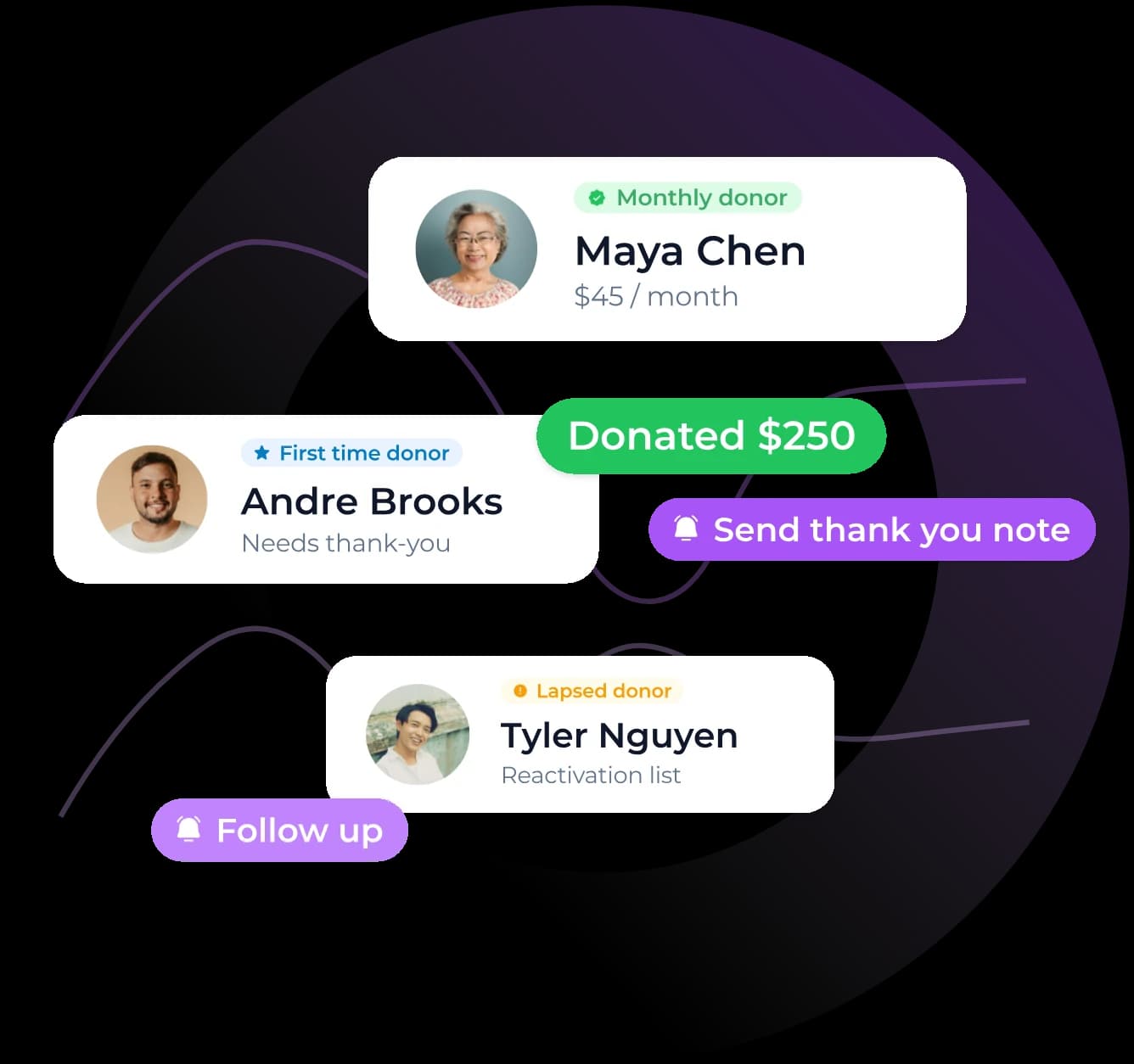
Different relationships need different next steps. SAPu can use contact type, gift history, form activity, and lifecycle status to prompt the right follow-up.
First-time donor follow-up
Create a thank-you task, start a stewardship path, and track second gift status.
Monthly donor management
Surface recovery or recognition steps when a recurring donor fails, pauses, renews, or upgrades.
Lapsed donor reactivation
Move donors into a saved report and reactivation workflow when they cross a lapse threshold.
How SAPu compares to
the rest of the nonprofit CRM stack
 SAPu CRM
Low cost but high manual work
Often free to start, but teams still compare what is included, what is connected, and what comes later.
Start for free with CRM, unlimited contacts, unlimited users, and reporting. Grow into connected tools as needed.
Easy to duplicate, overwrite, or fragment across files
Some tools handle donations well, but the CRM, reports, forms, email, and tasks may not feel like one operating layer.
Contact, donation, form, segment, task, automation, activity, and report data work together.
Manual exports, formulas, tabs, and cleanup
Reporting depth varies by platform and may require workarounds for saved views.
Prebuilt reports and custom reports are part of the CRM experience for all plans.
Depends on staff memory and manual reminders
Follow-up may exist, but it often depends on how deeply the CRM, email, forms, and reports are connected.
Designed to connect CRM activity to forms, email, reports, tasks, and automations based on contact type.
Very early teams with minimal donor activity
Teams that want a focused fundraising tool and are comfortable adding other systems around it.
Nonprofits that want to start free and grow into a connected CRM, donation, reporting, automation, and support system.
Build a nonprofit stack your team can actually use
Start with the core platform, keep your supporter data connected, and add more tools when your workflows are ready.